Bytecrab logo
Contact Us

Rebuilding a Quran app for iOS and Android

Industry

Edtech, Startup

Service

Mobile App

Technologies

Native IOS & Android

Client location

Saudi Arabia

Period of collaboration

2020-2021

Timeline

4 months
Download Case Study

Short Description

UI/UX Design

Development

Educational

A client came to us with a list of features to add to an app that already had users. We looked at the code first, and told them what we found: the application was not scalable, and maintaining it would keep getting more expensive. The changes they had asked for could be made, but they would be built on something that needed replacing.

They chose to rebuild. Four months later the app ran natively on both platforms, with an architecture that could carry new features instead of resisting them. Today it serves more than two million users.

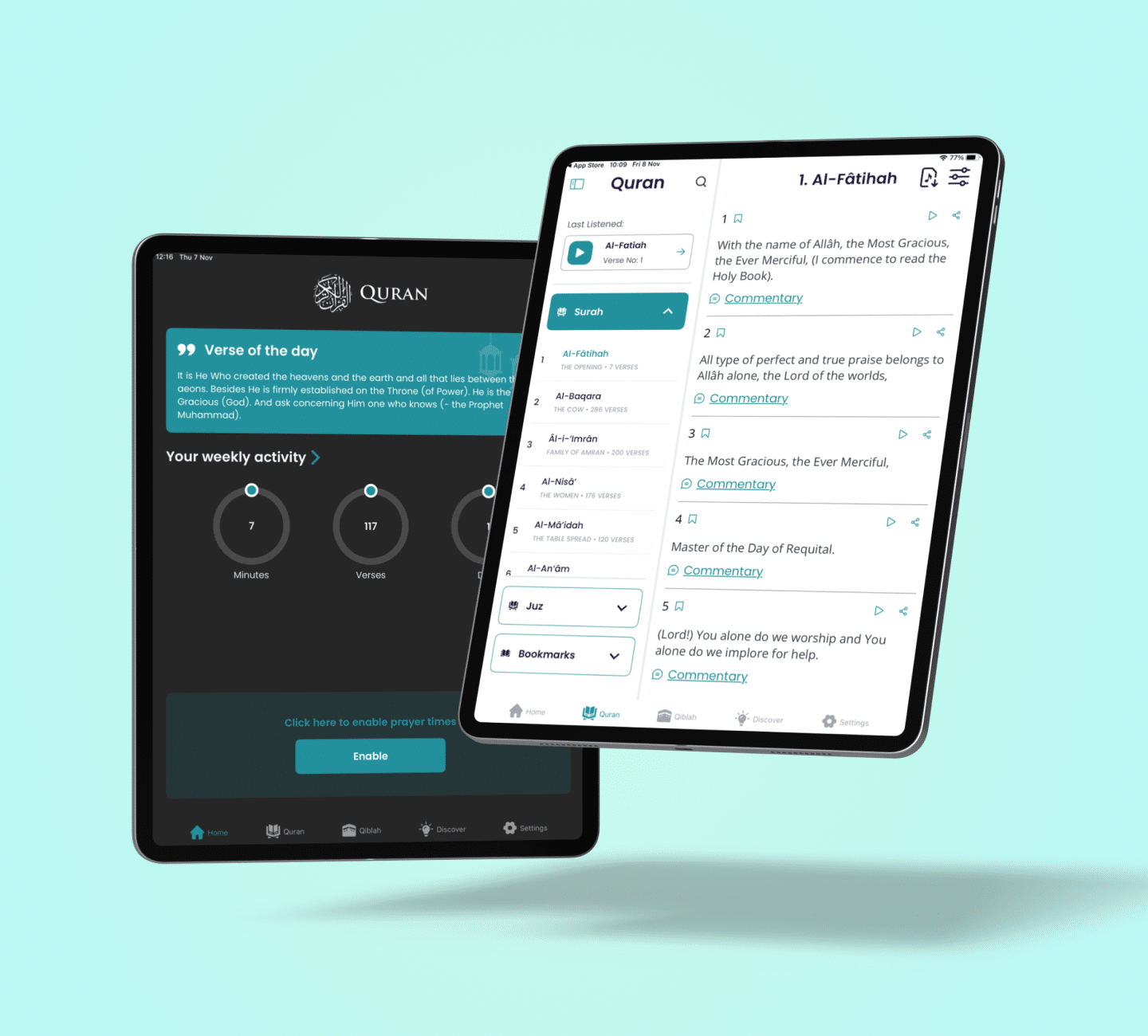
The product is a Quran reader and study app for English speakers — full English translation alongside optional Arabic script or transliteration, with audio recitation, offline access and prayer tools. Free, and free of advertising.
Problem

The existing app suffered from poor code quality, which led to frequent crashes and unreliable behaviour. Its architecture was difficult to maintain or scale, so fixing a bug was slow and adding a feature was risky.

The interface had aged alongside it — outdated and unintuitive in an app people open several times a day. Together, the instability and the experience were costing engagement and, more damagingly for a daily-use app, credibility.

The client’s goal was to stop patching and rebuild: stability first, then usability, then the platform they had not yet shipped on.

Business need

Modern Visual Redesign

The interface had aged into something users tolerated rather than chose. An app opened several times a day — often in the early morning, often one-handed — needed a calmer, clearer design built around reading rather than browsing.

Enhance App Performance

The app had to run smoothly on a wide range of devices, including older and low-end hardware, since its audience is global and not uniformly well equipped.

Cross-Platform Expansion

The rebuilt Android experience needed an iOS counterpart with full feature parity, opening the app to an audience it had never been able to reach.

Boost user Engagement

Daily practice depends on the app being present at the right moment, not waiting to be opened. Prayer times based on the user's location, customisable notifications and home screen widgets were needed so the app supports a routine instead of interrupting one.

Work Without a Connection

Text and audio in multiple languages had to be available offline and stored efficiently, so the app stays usable on poor connections and modest storage.

Challenges

Migrating from poorly structured legacy code while preserving the behaviour existing users depended on.

Delivering a consistent, intuitive experience across Android and iOS while respecting each platform's own conventions.

Improving performance while keeping the app lightweight and responsive across a wide range of devices.

Adding features such as cloud sync to a freshly rebuilt codebase without reintroducing the instability we had just removed.

What does the process look like?

The engagement began small. The client sent a list of features to add and fixes to make, and we set up several calls to confirm the requirements. The tasks were not large, so we told them a discovery phase would add budget without producing anything they would benefit from, and we skipped it.

What we did do was review the code. That review found the application in a poor state: not scalable, and expensive to maintain as it grew. We reported that plainly. The requested changes could still be shipped, but the client needed to know they would be building on a foundation that had to be replaced sooner rather than later.

They took the finding seriously, and the work became a rebuild rather than a patch — new architecture, redesigned interface, and full feature parity across both platforms.

Key features

Convenient Surahs List

A dedicated tab holds individually numbered lists of every surah and juz’, so a reader can go straight to the passage they want. Surahs are indexed by chapter, any passage can be found by searching for a quotation from it, and readers can create any number of bookmarks and manage them on their own screen.

Accessible Audio Listening

The app reads aloud in Arabic and English, separately or together, with nine voices to choose from for the Arabic recitation. It remembers the last fragment played, so listening resumes where it stopped rather than where it started.

Offline Access

Saving had to be both generous and light. The database we implemented stores text and audio together, in more than one language, while keeping the app small enough for modest devices — and leaves readers in control of what they keep.

Qibla on the Map

Prayer requires knowing the direction of the Kaaba. The app shows it from the user’s current location, as a map with the distance calculated or as a compass, whichever suits the moment.

Prayer Tools

Daily prayer times resolved automatically from the user’s location, customisable notifications, and home screen widgets giving at-a-glance access to the next prayer — the features that make the app part of a routine rather than something to remember to open.

Project Success

A cleaner interface, better performance, and functionality app never had: audio recitation, search, offline saving, Qibla mapping and home screen widgets.

Both platforms now match each other in stability and usability, on a codebase deliberately streamlined for whoever maintains it next.

An outdated, crash-prone app became a modern cross-platform product serving more than two million users.

Building something meaningful?

Let’s talk

More case studies

LogisticsManagementMobile App

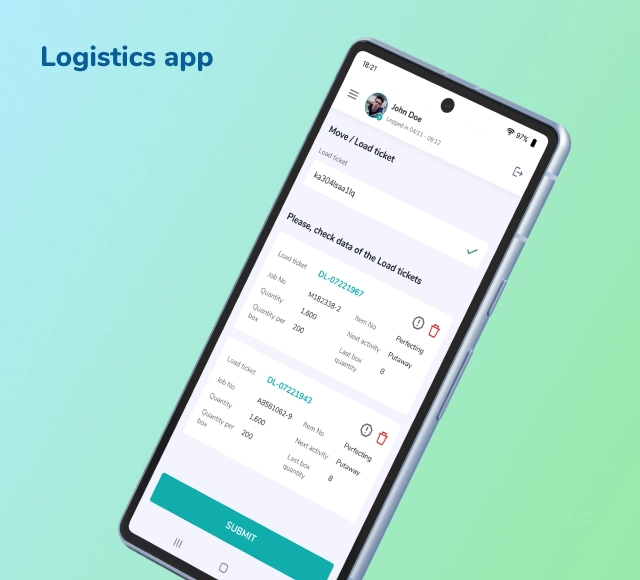
Warehouse app suite

Kotlin Native Android

We built a custom Android toolset that helped a UK company reduce errors, speed up dispatch, and eliminate paperwork in their warehousing. Fully offline-ready, works with scanners and label printers, and fits right into their existing (very old-school) system — no backend rebuild needed.

Read Case Study
Warehouse app suite Warehouse app suite
HealthcareStartupMobile App & PWA

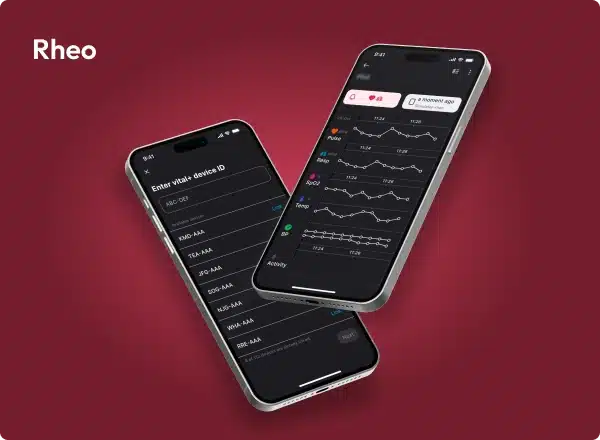
Rheo

Flutter

Rheo needed a simple, solid way to present their real-time vitals platform to hospitals. We built a mobile app that makes their tech easy to understand — clean UI, smooth performance, and real data demo support.

Read Case Study
Rheo Rheo
HealthcareStartupMobile App

Laxiba

Native IOS & Android

We built a mobile app that helps people with food intolerances avoid ingredients that cause trouble. No accounts, no data collection — just fast scanning, smart filters, and a clean UI that works offline too. Custom diet profiles, alert system, and even a demo mode for new users.

Read Case Study
Laxiba Laxiba
eCommerceEntertainmentLifeStyleMobile App & PWAWeb

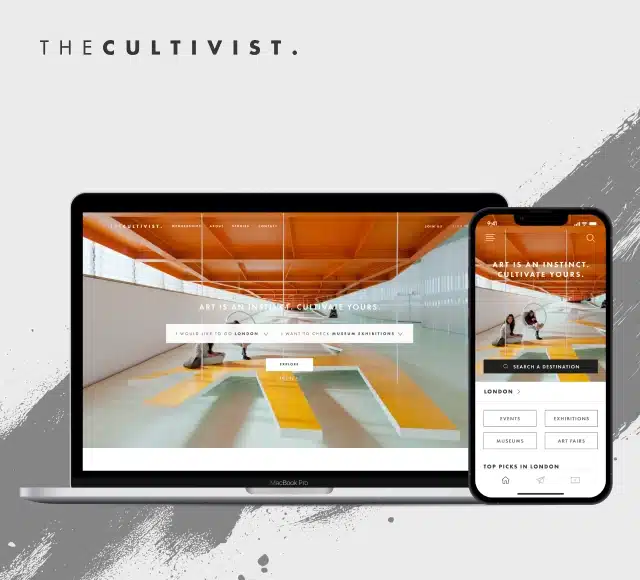
The Cultivist

Flutter Laravel Nuxt Vue.js

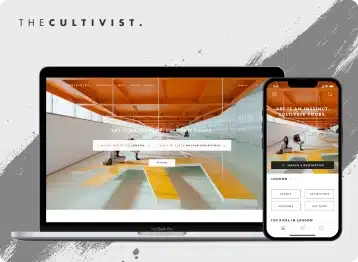
We built a PWA and Flutter app for The Cultivist — with digital membership cards, event filters, Salesforce integration, and strong geo-based personalization. The platform now works seamlessly across devices and supports their growing global user base.

Read Case Study
The Cultivist The Cultivist

Tell us more about yourself

Extensions: .pdf, .doc/.docx, .ppt/.pptx, .xls/.xlsx
ByteCrab in numbers
12+

years solving real-world tech challenges

150+

products shipped and scaling

20+

countries where our clients run and grow their products

USM logo Vodaphone logo Cultivist logo Galka IF logo

Project inquiries

hello@bytecrab.com

Phone number

+38 095 537 6119